 |
PFClean Documentation | Licensing |
Automatic Connection
1. To try and automatically locate a PFBucket server on your network, click the Locate button:
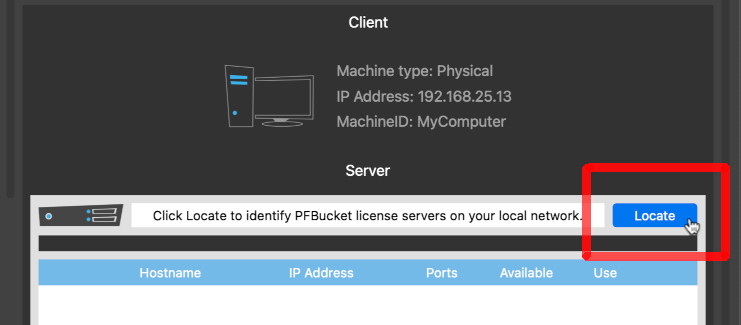
This will send a local area broadcast message over your network using the UDP network protocol, and listen for a response from your PFBucket server.
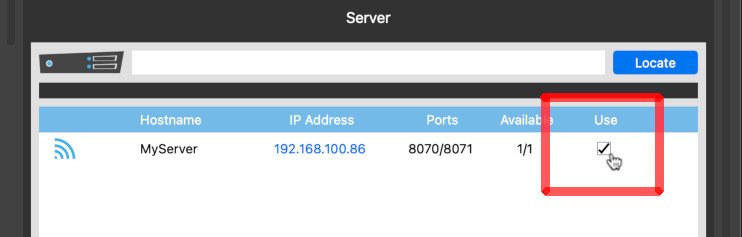
2. If a response is received, the server hostname and IP address will be displayed, along with the number of licenses available on the server. Click the Use column to select the PFBucket server.
3. Once a server is selected, clicking the Re-Launch button will restart PFClean and request a license from the server:
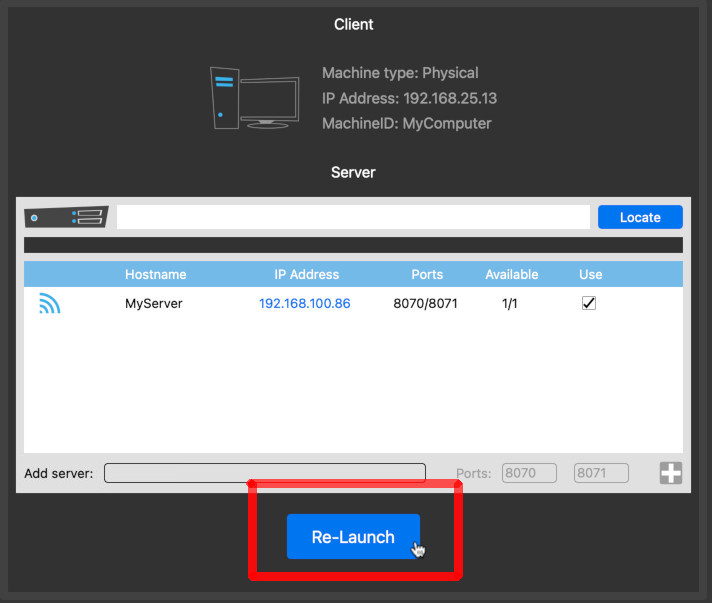
If no PFBucket servers can be found automatically, you can connect manually by entering an IP address or server name.